
Why I Started a Breastfeeding Tracker and Never Looked Back
3 min read691 words
Why I Started a Breastfeeding Tracker and Never Looked Back
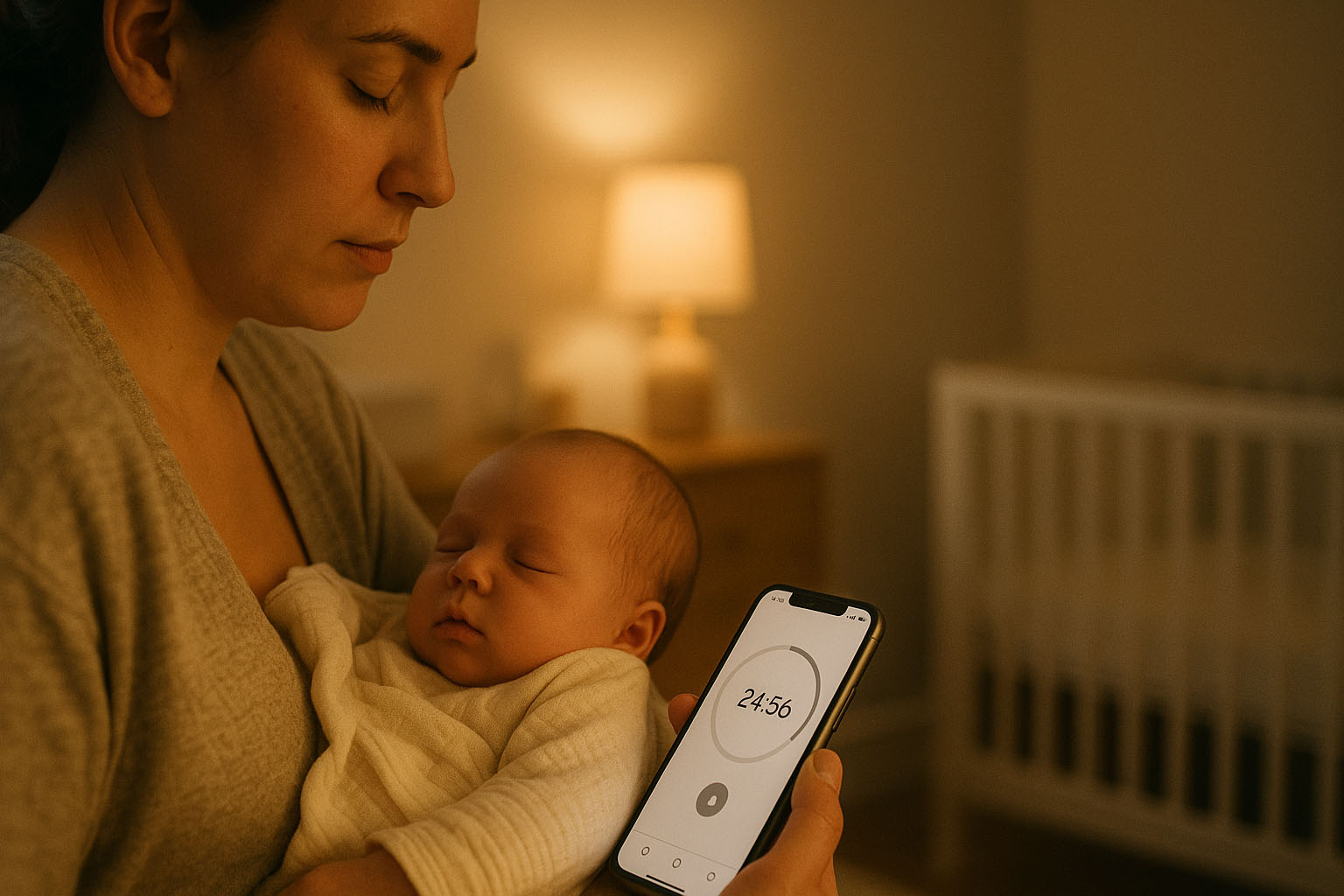
I didn’t start a feeding log to be more organised. I started because, at 3:07 a.m., with a sleepy baby in my arms, my mind kept asking the same questions: Which side was last? How long did we feed? Is he hungry again, or just unsettled?
I tried to keep it all in my head. But newborn days blur, and the constant second‑guessing felt heavier than it should. A simple breastfeeding tracker changed that — not by making me “perfect,” but by giving me enough clarity to relax. In practice, it was also the breastfeeding timer I kept reaching for in the middle of the night.
The Moment It Clicked
One afternoon, I realised I’d asked myself the same question three times in an hour: Did we feed recently? I opened a basic timer, tapped start, then stopped when we were done. That was it. No perfect notes. No pressure. Just a timestamp and a duration.
That tiny record kept me from spiralling later. The breastfeeding timer handled the moment itself, and the breastfeeding tracker view helped me make sense of the day after. When the next fussiness hit, I didn’t have to rewind the day in my head — I could simply look.
What I Tracked (and What I Didn’t)
I kept it simple on purpose. I only tracked:
- Start and end — a gentle timer for each feed.
- Left/right — so I didn’t forget at 2 a.m.
- Rough gaps between feeds — enough to notice a rhythm.
Sometimes I added a short note — “sleepy latch”, “fussy before feed” — when it felt helpful. I skipped anything that made it feel like homework. That same gentle approach is part of why logging feeds gave me peace of mind instead of creating more pressure.
The Benefits I Didn’t Expect
- Less mental load — I stopped storing half‑memories in my head. The app remembered; I could be present.
- Calmer nights — Instead of guessing, I could see whether it was likely hunger or something else.
- Clearer patterns — Over a few days, the log quietly revealed our routine. I learned when long naps or growth spurts were most likely.
- Better teamwork — My partner could check the last feed and help without asking me to recall details I didn’t have.
- Useful at checkups — When asked about frequency or duration, I had answers without digging through my memory.
How Logging Changed My Days
The biggest shift wasn’t data — it was headspace. With fewer “Did I…?” loops, I noticed more of the good bits: heavy eyelids mid‑feed, tiny fingers unfurling, that soft exhale when he settled. Logging wasn’t about control; it was about feeling grounded.
If you are still deciding whether this kind of app would help, Why Use a Breastfeeding Timer App? explains why the smallest bits of structure can make nights feel calmer.
Keeping It Gentle
I set two rules for myself:
- Good enough is enough. If I forgot to log, I didn’t backfill.
- It should make life lighter. If it ever felt like pressure, I pared it back.
That mindset kept the log sustainable. It stayed a supportive habit — not a perfection project.
When It Helped Most
- Growth spurts — Frequent feeds looked less scary when I could see the bigger pattern.
- Outings — A quick glance told me whether I had time for a walk or coffee before the next likely feed.
- Evening fussiness — Seeing that we’d just fed helped me try soothing or a change of scenery first.
If You’re On the Fence
You don’t need to log forever. But if you’re in that foggy early stretch, a simple breastfeeding tracker can give you the one thing that’s hardest to find: reassurance. Start when you latch, stop when you’re done, and let the app quietly hold the details for you.
I didn’t look back because I didn’t need to — the log did that for me. It kept the facts, so I could keep the moments. And if you want a wider round-up of stories and practical reading, the Complete Guide to Baby Feeding Apps is a good place to continue.
Feeding Timer Lite - Available Now
The live App Store version for mothers and caregivers who want quick feed timing, side memory, and a calmer overview of the day without clutter.
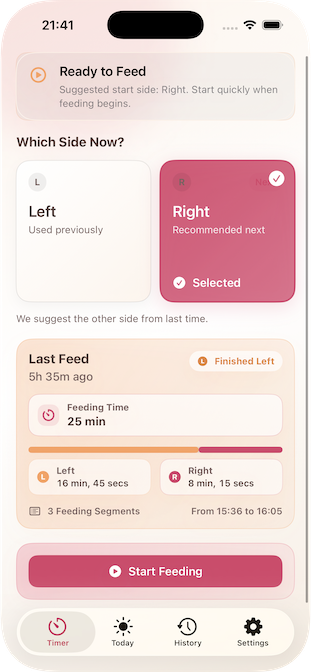

Breast Feeding Timer – Coming Soon
One-tap start and stop for left and right feeds, clear timers, and daily stats — designed for those quiet hours when every second counts.
Download Breast Feeding Timer App NowLast updated: 5 April 2026 at 08:15
Continue reading

7 Apr 2026
Why Some Midwives Are Cautious About Tracking Feeds
Some midwives and breastfeeding advisors worry that feed tracking can create stress, rigidity, and too much focus on the phone. Feeding Timer Lite is different when it is used as a calm, hands-free memory aid rather than a rulebook.

7 Apr 2026
Why Midwives Tell Mothers Not to Track — And When a Quiet Exception Makes Sense
Some midwives are cautious about feed tracking because it can create pressure, rigidity, and too much phone focus. The exception is when a tool stays light, hands-free, and supportive enough to help mothers without pulling attention away from the baby.

7 Apr 2026
Why Feeding Timer Lite Works Hands-Free With Siri
Feeding Timer Lite is designed so mothers do not have to manage a phone in the middle of a feed. Siri can capture the moment hands-free, while the pattern stays ready to review later when there is real space to think.
Explore Expert Videos
Prefer watching? Browse our curated, doctor-led videos on key topics like breastfeeding, hunger cues, and routines.
Browse Videos