
Feeding Timer Lite

Breast Feeding Timer
A gentle, beautifully simple breastfeeding tracker.
Developed by a father, for a mother.
With your needs put first, and ours second.
Daily Journal Feature
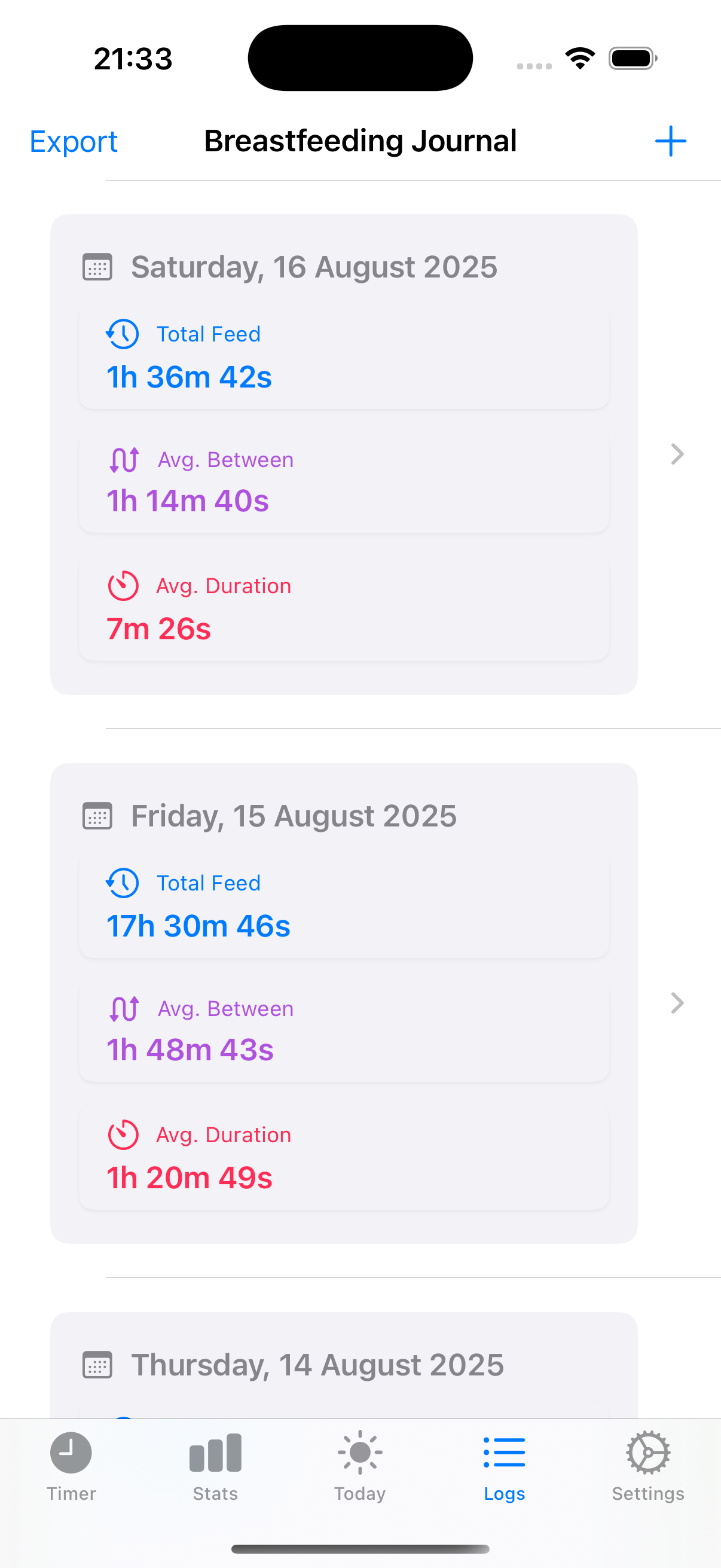
Open any day and see every feed in one clean timeline
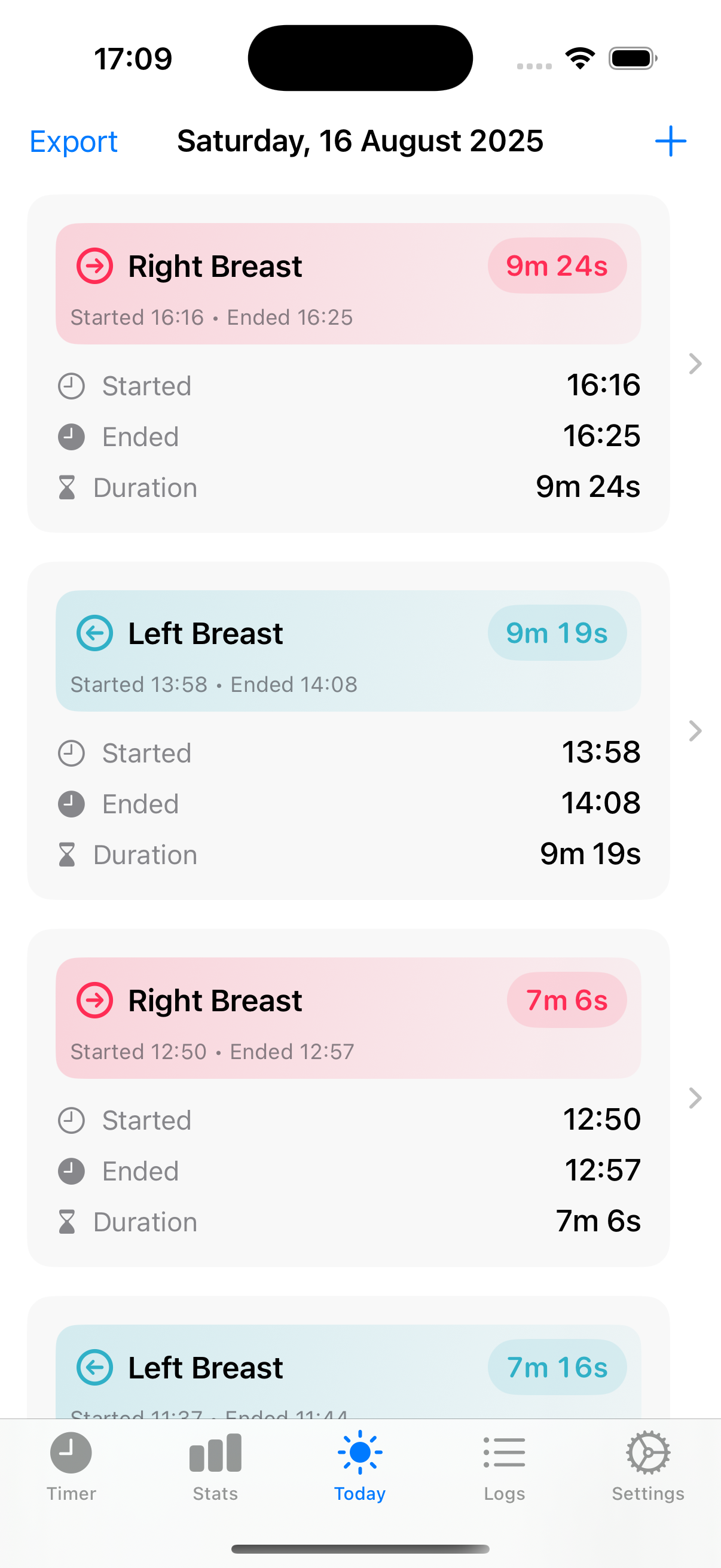
Once you choose a date, the journal shows the full sequence of feeds for that day. Start time, end time, duration, and the side used are all laid out clearly so you can review the day without piecing it together from memory.
It keeps older days just as readable as today, which is especially useful when you want to compare how feeding has changed across the week.
Daily Journal
Every Day, One Clear Story
The Daily Journal shows the full picture for any selected date. See each feed in the order it happened with start, end, duration, and the side used. It’s the same clarity as the Today view — just for any day you choose.
Select any date — review previous days with the same clean layout.
Chronological order — morning to night, with no gaps or distractions.
Left/Right clarity — left feeds in blue, right feeds in red.
Tap to edit — open an entry to adjust times or side if needed.
Ready when you are
The Timer keeps your nights calm and your days clear — no spreadsheets, no stress.
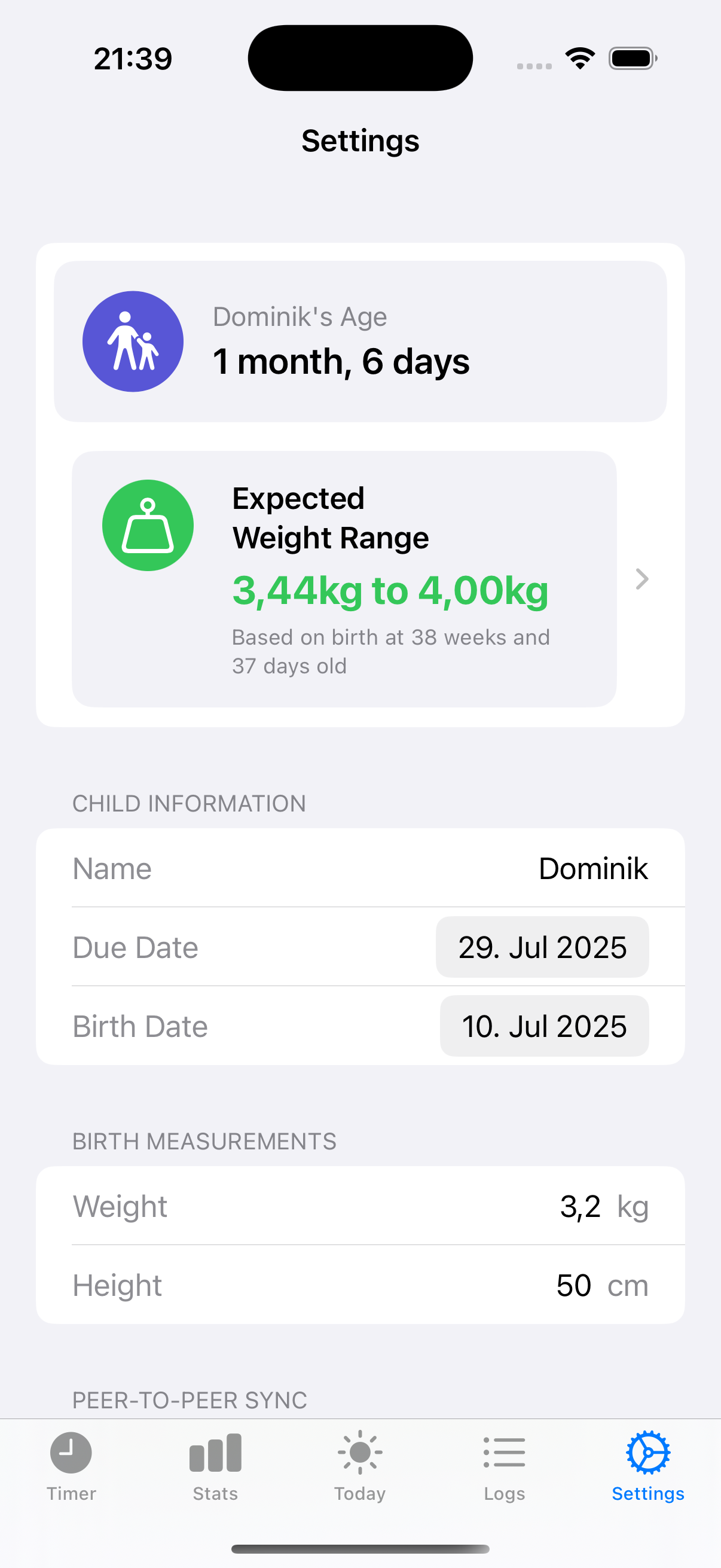
Feeding Timer Lite - Available Now
The live App Store version for mothers and caregivers who want quick feed timing, side memory, and a calmer overview of the day without clutter.
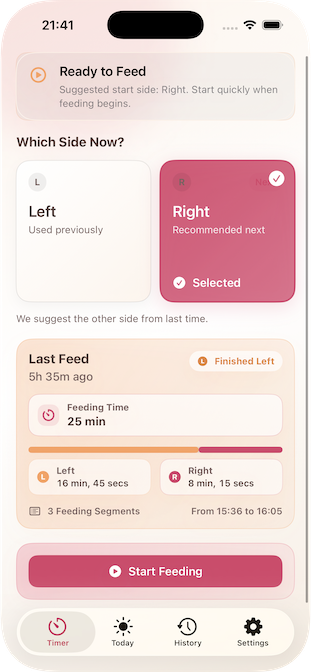

Breast Feeding Timer – Coming Soon
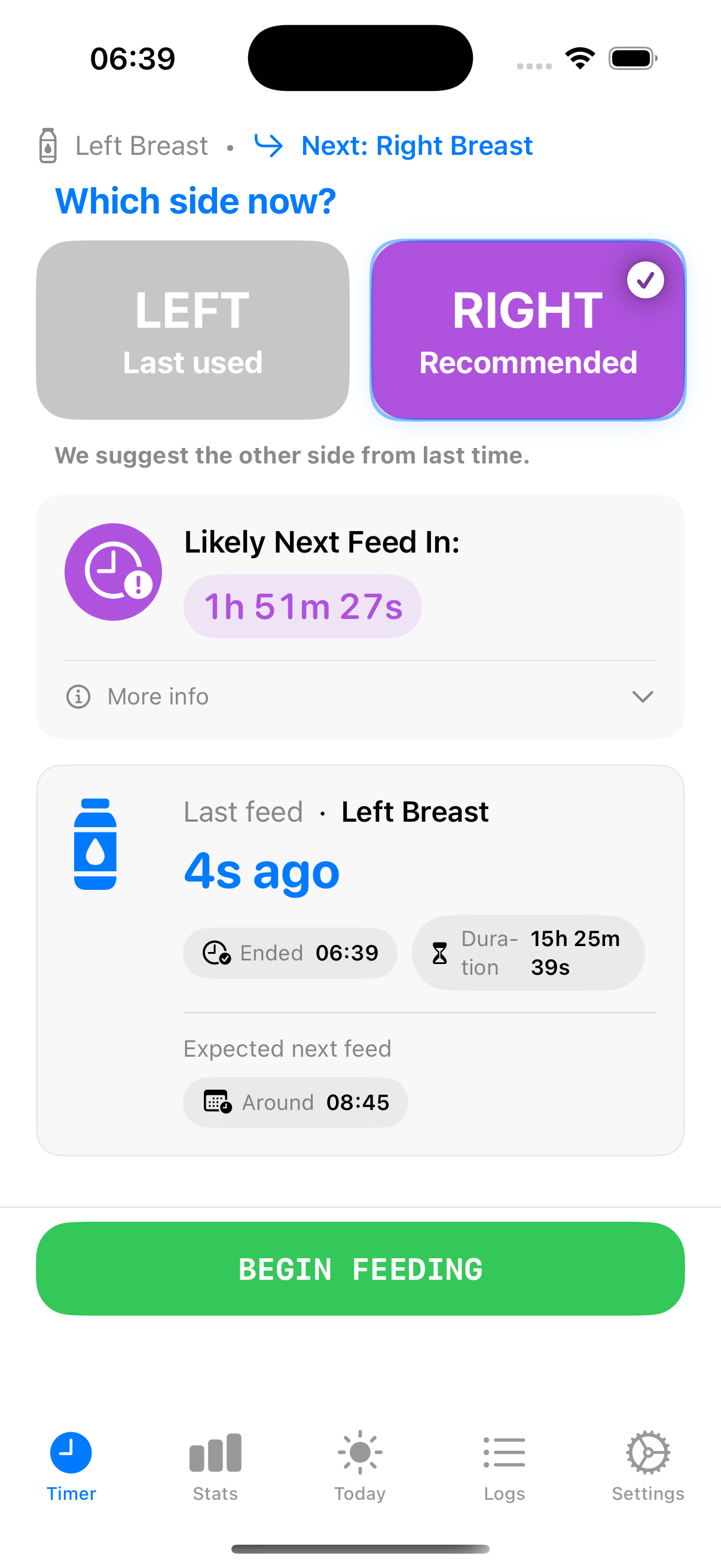
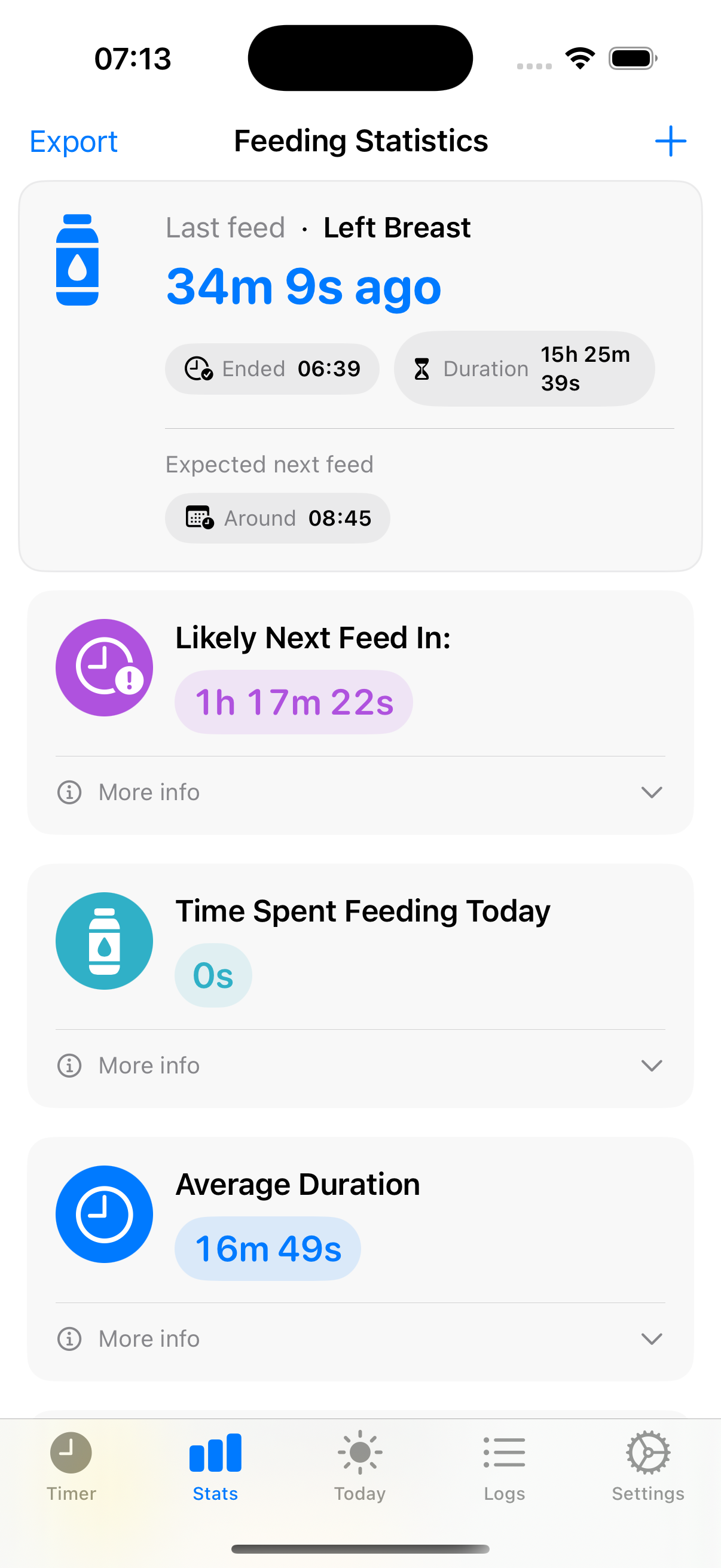
One-tap start and stop for left and right feeds, clear timers, and daily stats — designed for those quiet hours when every second counts.
Download Breast Feeding Timer App Now